

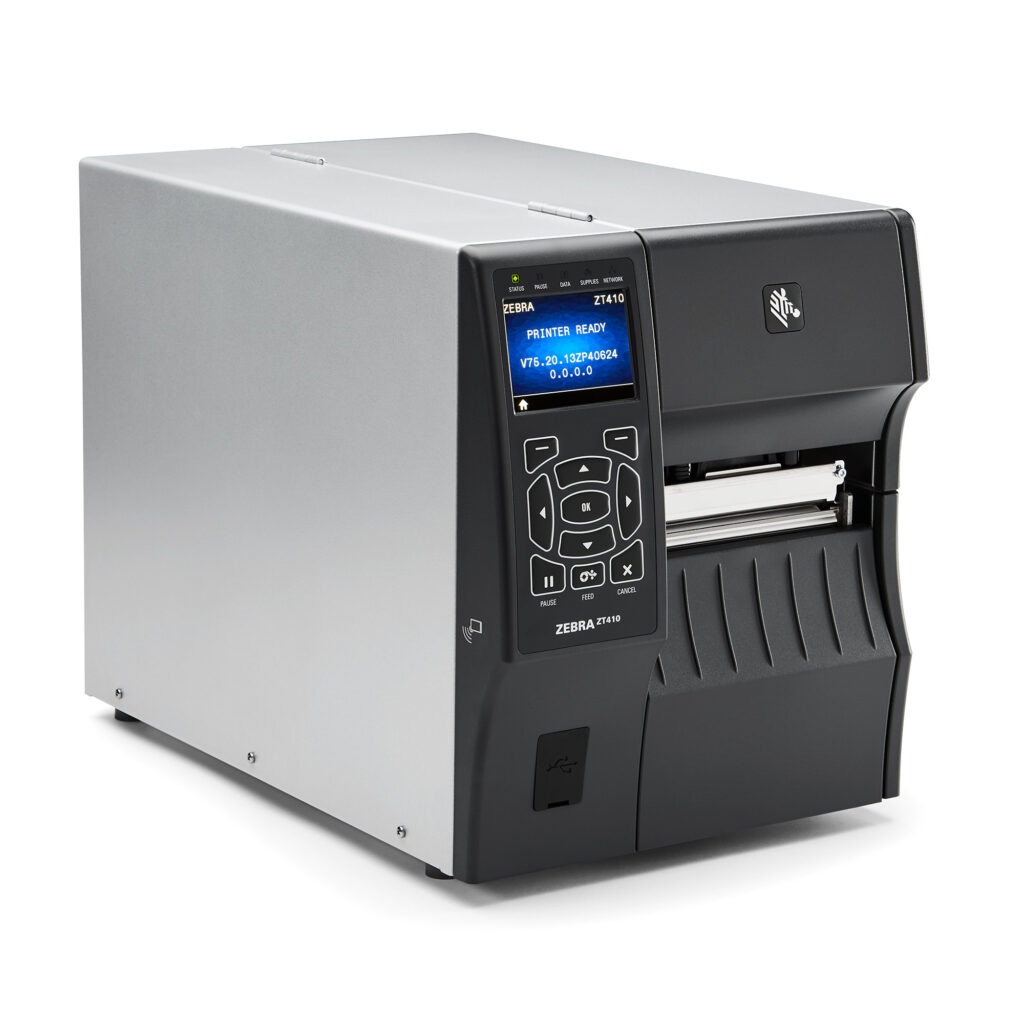
ZT400 SERIES RFID PRINTERS
Loaded with advanced features and connectivity options, these printer/encoders accurately and efficiently produce labels for all your mid- to high-volume item-level tracking applications. And, with Zebra’s Link-OS® environment, they’re easy to integrate, manage and maintain from any location.
Industry
 Manufacturing
 Transportation & Logistics
 Retail
 Healthcare
Used For:
- Distribution
- Shipping and Receiving
- Work-in-Progress Tracking
- Document and Patient Records Management
- Back-of-Store Operations
- Compliance Labeling
- Product ID/Serial Numbers
- Security Tagging
- Specimen/Laboratory/Pharmacy Labeling
- Cross Docking

Adobe Reader is required to open and view PDF files. This can be downloaded free from adobe.com.
Available Documents
ZT400 BrochureZebra GK420 HealthCare
Zebra GK420t Healthcare Desktop Printer
Zebra’s GK™ Series and GT800 desktop printers combine dependable printing with fast print speeds and network manageability. With their easy-to-use design, Zebra’s advanced desktop printers enable you to improve operational efficiencies.
View ProductXC Label Printer
The layout of the labels is created either using label software or through direct programming via a text editor on the PC. Label formats, fonts and graphic data, serial data and database contents are saved or imported on the CF memory card, USB flash drive or the internal IFFS printer memory. Only variable data is sent to the printer via keyboard or host computer before being printed out. Data from a barcode scanner or a balance can also be received by the printer.
View ProductZD420 RIBBON CARTRIDGE DESKTOP THERMAL PRINTERS
Fast 4-inch thermal printers that are easy to use, easy to deploy and easy to manage, then choose the ZD420. Daily operation couldn’t be simpler, thanks to a new ribbon cartridge with more status icons
View ProductPortable Print & Ship
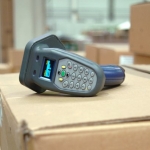
The Barcode Reader – efficiency in the form of a device
The “Portable Print & Ship” solution utilises a new kind of small handheld reader. The device can scan barcodes and it also contains a read/write unit for tags.







